Everything You Need to Network Smarter
Three powerful apps working together to help you create, capture, and nurture professional relationships.
Platform Features
Features that work across all NexaLink apps.
Professional Card in Minutes
Choose from 8+ templates, add your details, and publish. Your card is live and shareable before your next meeting.
Share via QR, NFC, or Link
Recipients scan your code or tap your phone — your card opens in their browser. No app download required on their end.
Scan Paper Cards with AI
Point your camera at any business card. Our OCR extracts name, email, phone, and title in under 2 seconds.
Organize Every Contact
Tag contacts by event, add meeting notes, set follow-up reminders. Stop losing connections after conferences.
Track Who Viewed Your Card
See view counts, locations, and timestamps. Know which connections are engaging before you follow up.
Always in Your Wallet
Add your card to Apple Wallet or Google Wallet. Pull it up as fast as you pull out your phone.
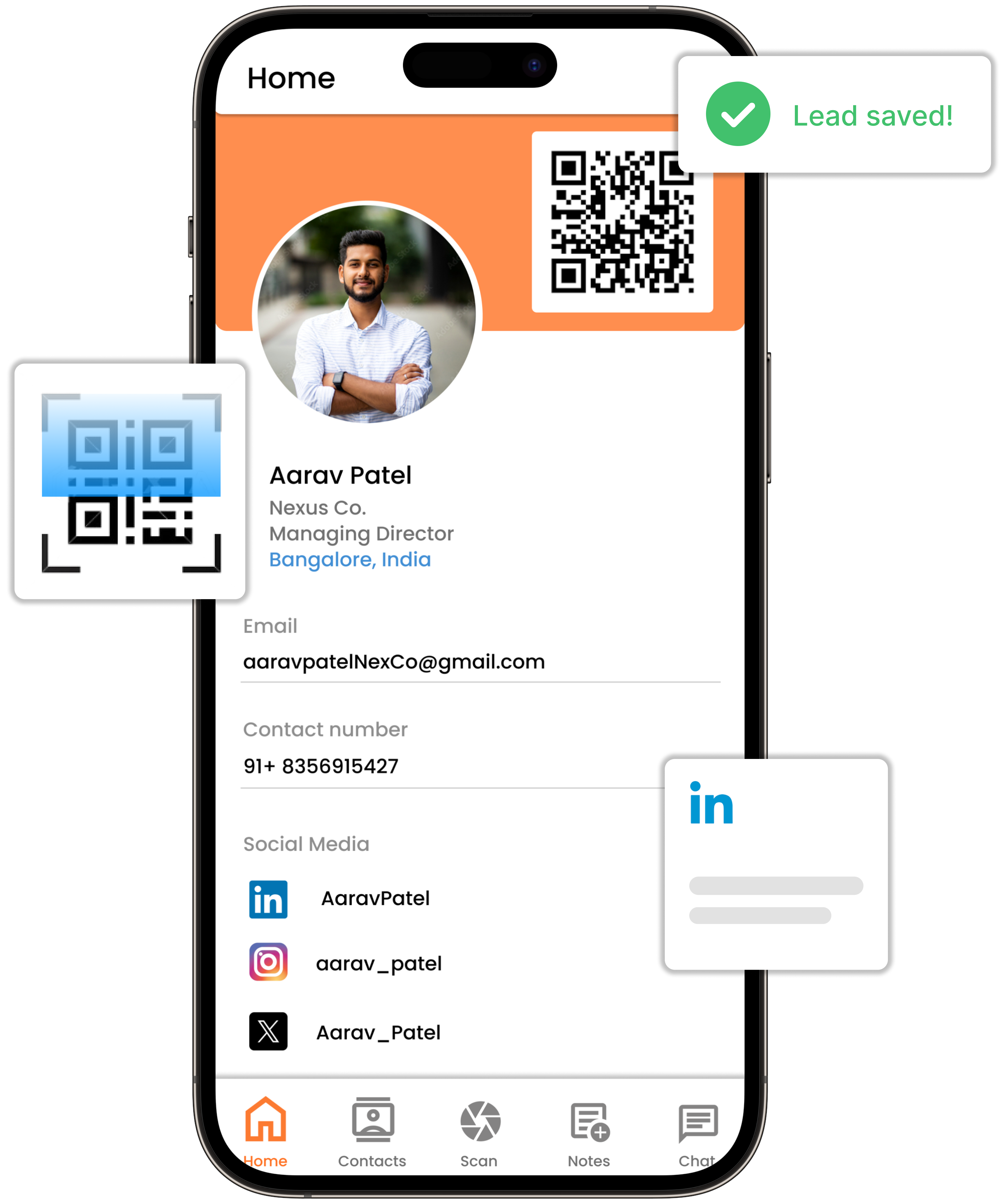
Digital Business Card
Create stunning digital cards that make a lasting impression.
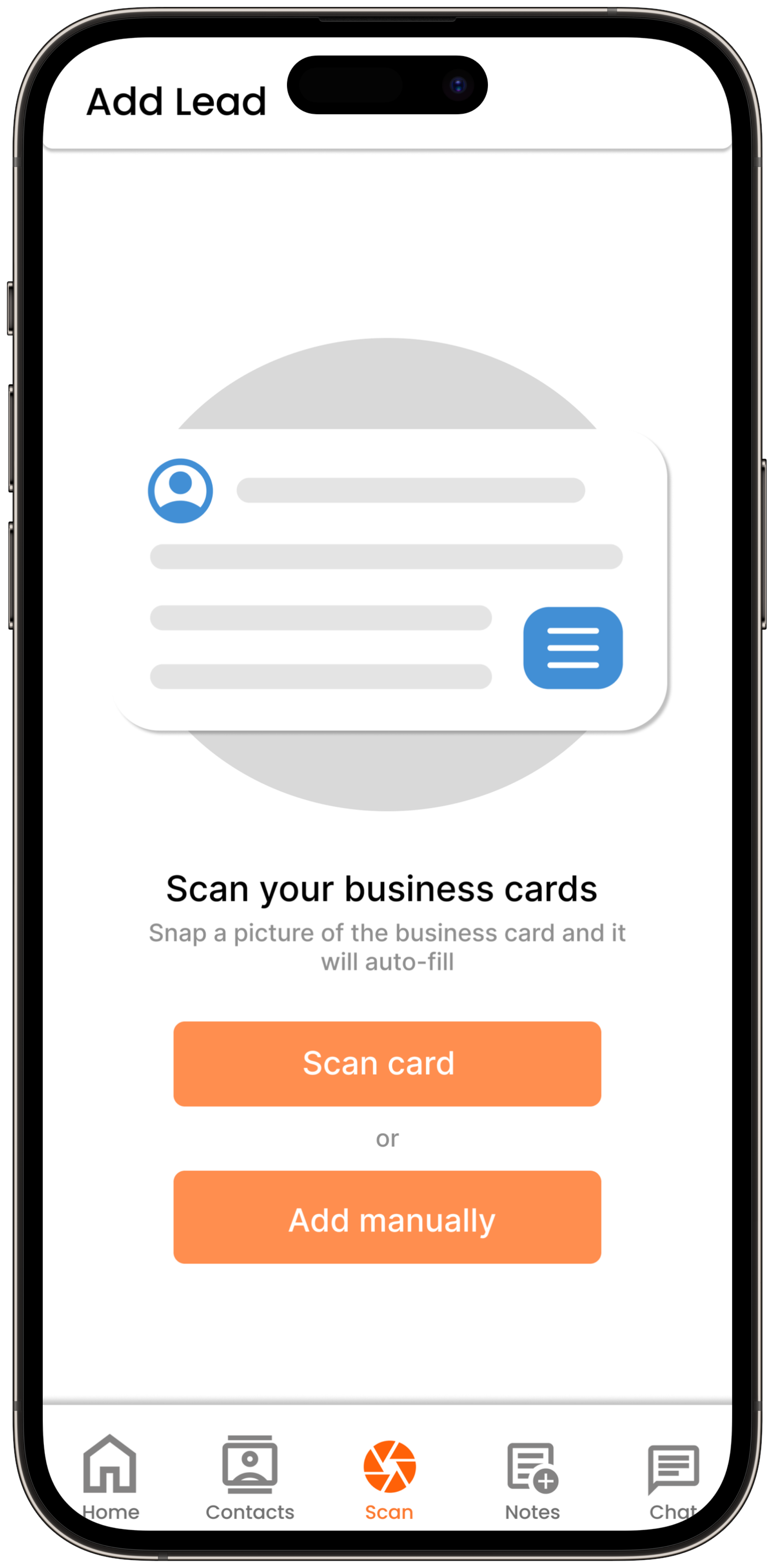
Business Card Scanner
Capture contacts instantly with AI-powered OCR technology.
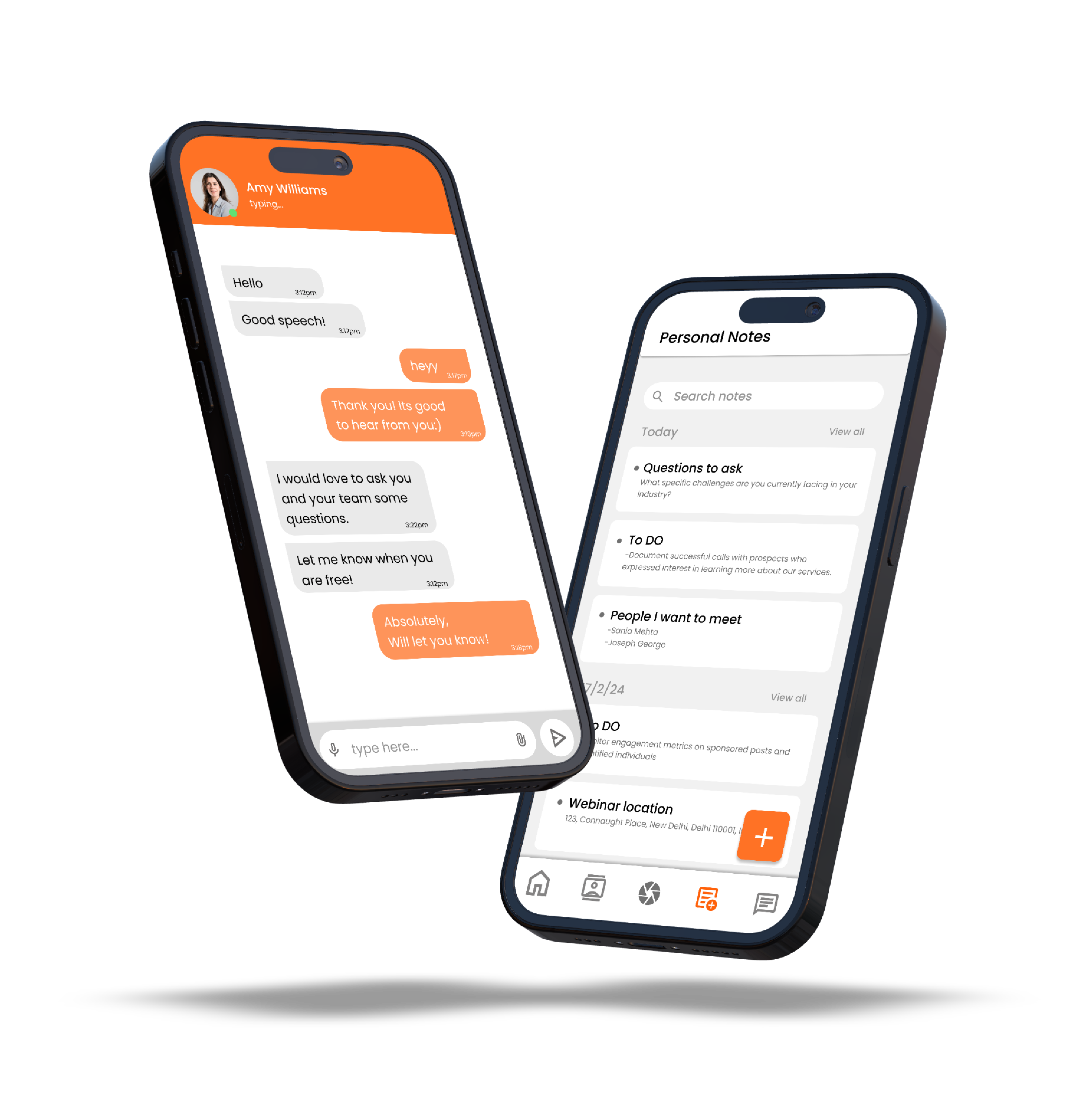
Personal CRM
Manage your network with AI-powered relationship insights.
Who Actually Uses This
Real stories from three kinds of professionals who rely on NexaLink for their network.
Field sales reps
They walk trade show floors with a badge-mounted NFC card. Tap to exchange contacts, voice-memo notes from the NexaLink app, auto-sync to Salesforce by end of day. No cards lost, no follow-ups forgotten.
Features used: NFC tap, Scanner, Salesforce sync, AI follow-up suggestions
Independent consultants
One digital card, three role-specific profiles (strategy advisor, fractional CFO, board member). Share the right profile per context. Quarterly "who have I lost touch with?" reports from the CRM keep the pipeline warm.
Features used: Multiple cards, Personal CRM, Relationship scoring, Weekly insights
Conference organizers
Run team accounts for 12 event staff. Shared contact pool, tag leads by booth or session, export a clean CSV for sponsor partners. Analytics show which booths generated the most qualified leads.
Features used: Team plans, Event tagging, Analytics, Batch export
Features FAQ
Common questions about what NexaLink can and cannot do.
Do I need to pay to use QR and NFC sharing?
No — both are free. QR code sharing works on every NexaLink plan, and NFC tap-to-share is available to everyone too: it's live on Android (phone-to-phone via your phone's built-in NFC — no physical card needed), with a QR fallback on iOS.
How accurate is the business card scanner?
99% field extraction accuracy on standard English cards, using our OCR engine plus AI correction. Multi-language support covers 50+ languages including Japanese, Chinese, Arabic, and Spanish with near-native accuracy.
Does the personal CRM work with my existing tools?
Yes — export your contacts to CSV and vCard, which import into Google Contacts, iCloud, Outlook, and any CSV-importing tool. One-way sync to HubSpot is rolling out on Team plans, with Salesforce and Zoho next. (Pipedrive, Airtable, and Zapier are on the roadmap.)
Can teams share contacts and follow-up notes?
Yes, on team plans. Shared contact pools, assignee fields, shared meeting notes, and team-wide analytics. Role-based access controls let you restrict sensitive deal notes to specific team members.
Is there a free plan with unlimited contacts?
The free plan includes up to 25 contacts, on-device card scanning, QR + NFC sharing, and Apple/Google Wallet integration. The Lifetime Deal (from $59 USD, one-time) unlocks unlimited contacts, premium templates, and AI from your own Claude or ChatGPT via the MCP connector.
Ready to Get Started?
Download NexaLink and experience all these features for free.

