Does NexaLink save the business card image?
Yes. NexaLink Scanner saves the original business-card image — not just the text it reads off the card — and shows that image on the contact's detail screen every time you look them up. If you're coming from CamCard, this is the exact behavior you rely on: the visual card is always one tap away, attached to the contact.
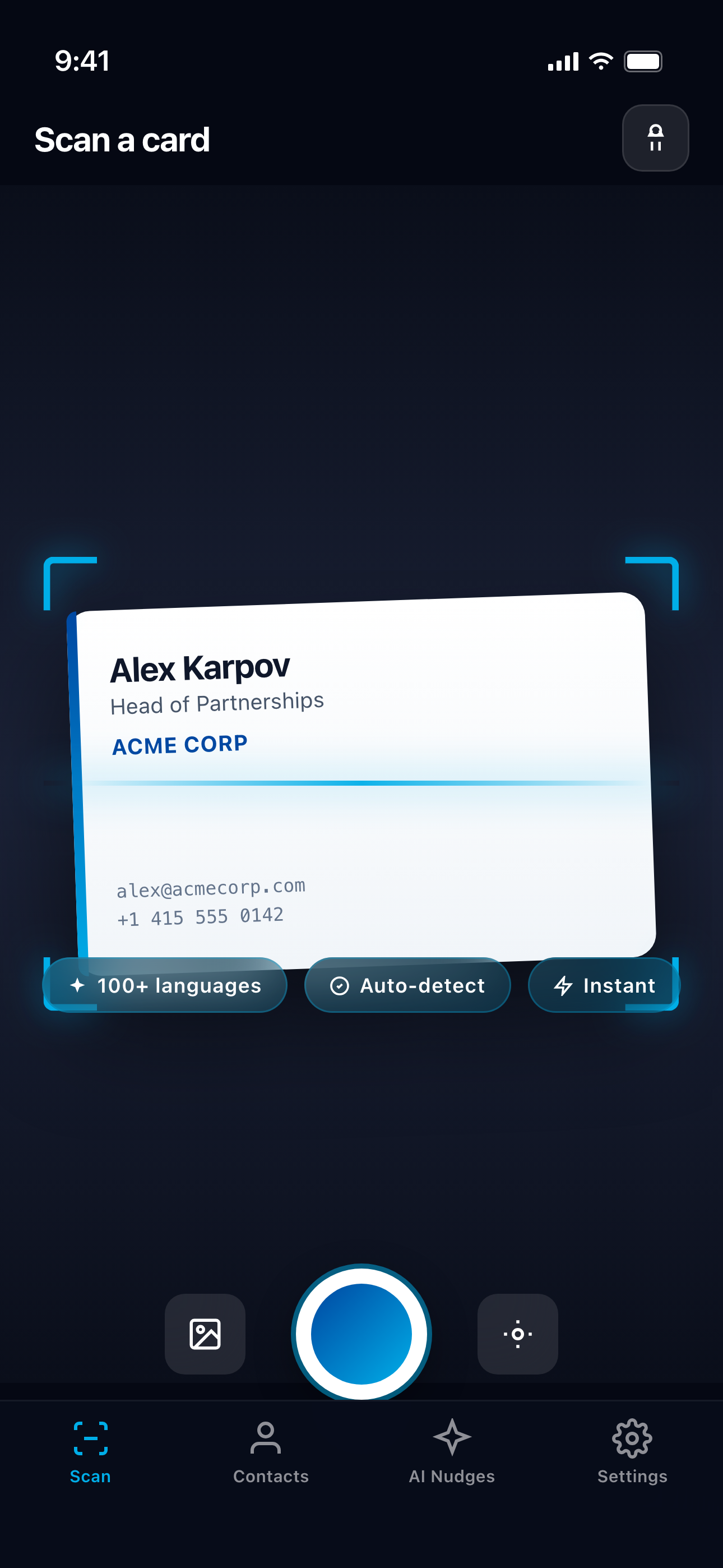
How it works
- 1Scan the card. Point your camera at the business card. NexaLink captures the full card image and reads the details with AI OCR.
- 2The image is saved with the contact. The original card image (and a thumbnail) is stored and linked to the new contact automatically — alongside the structured fields it extracted.
- 3Look the contact up later. Open the contact and the scanned card image appears right on the detail screen, next to the name, title, company, email, phone, and your notes.
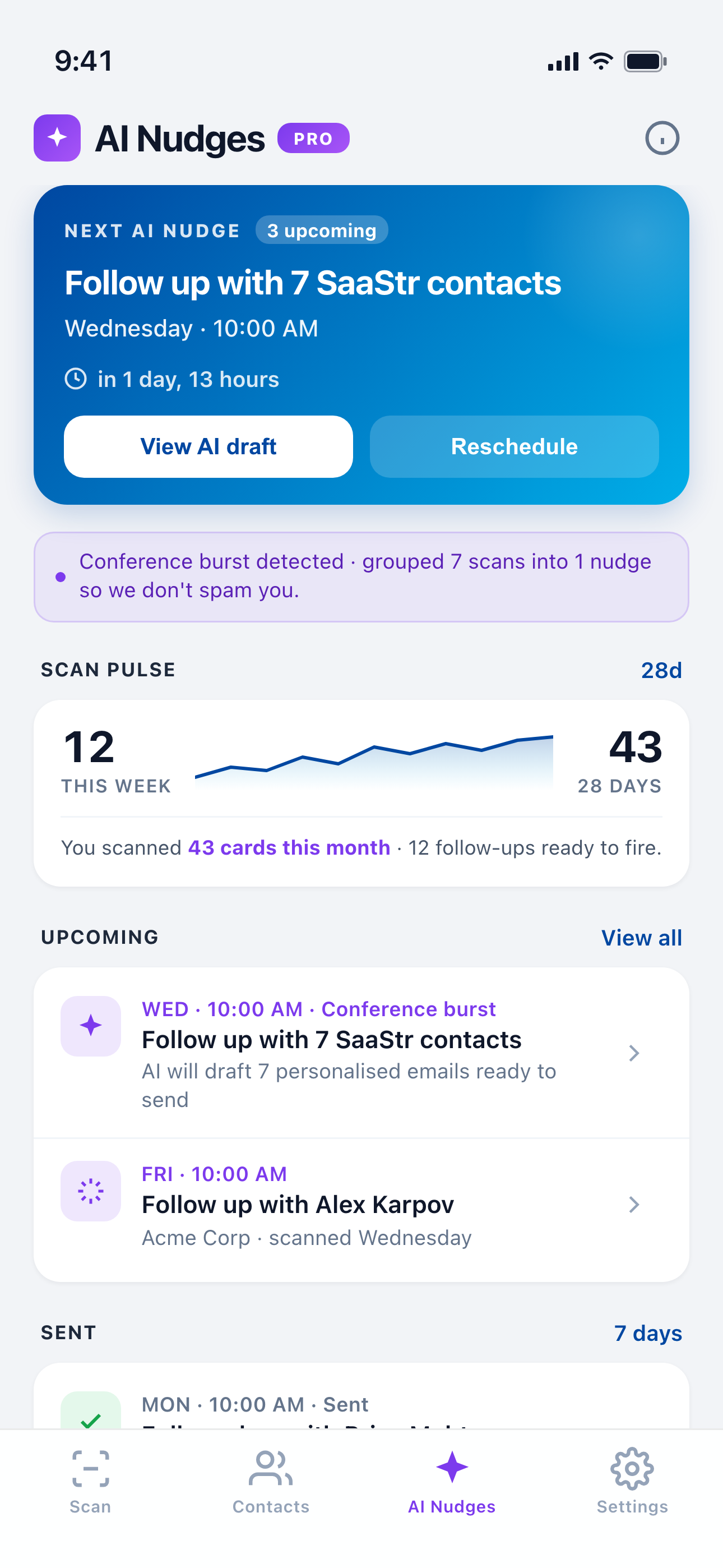
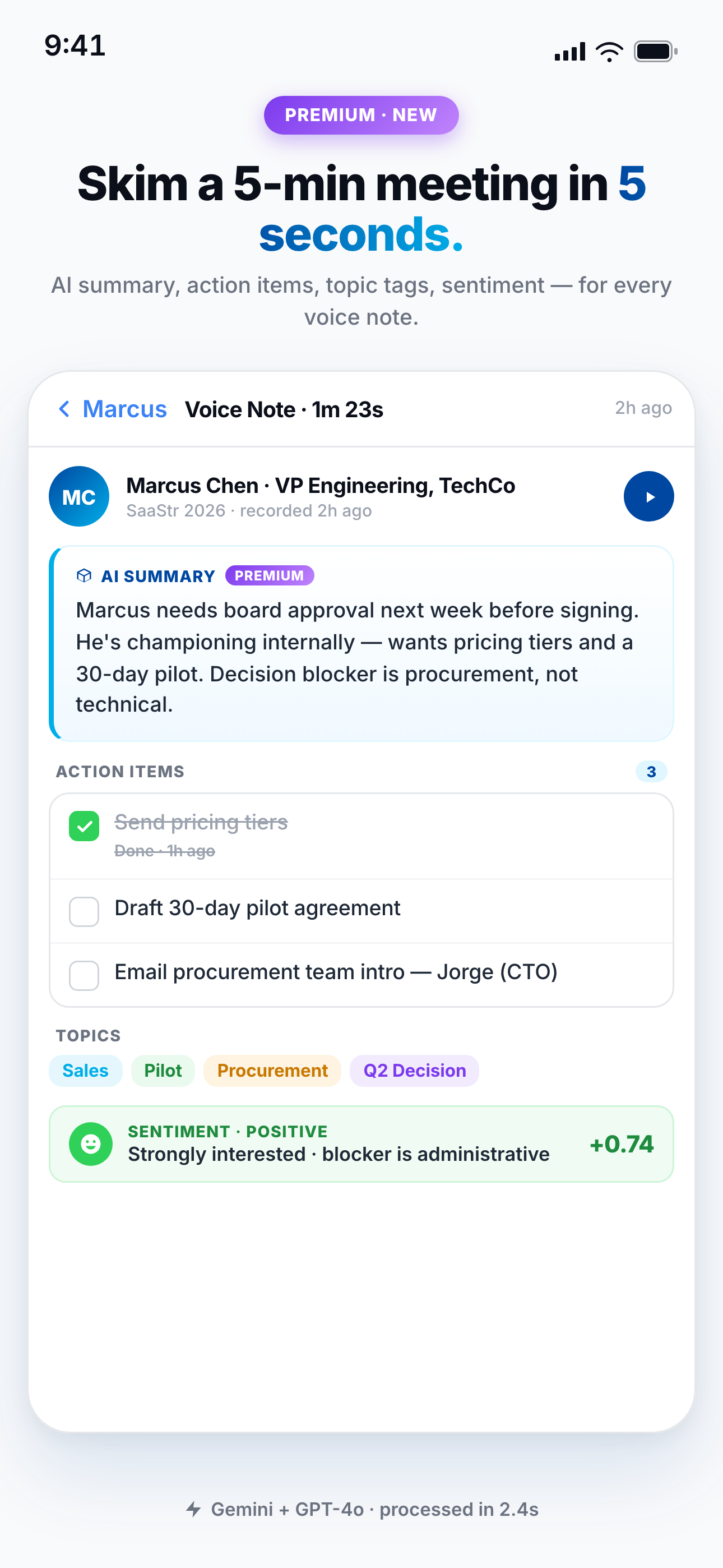
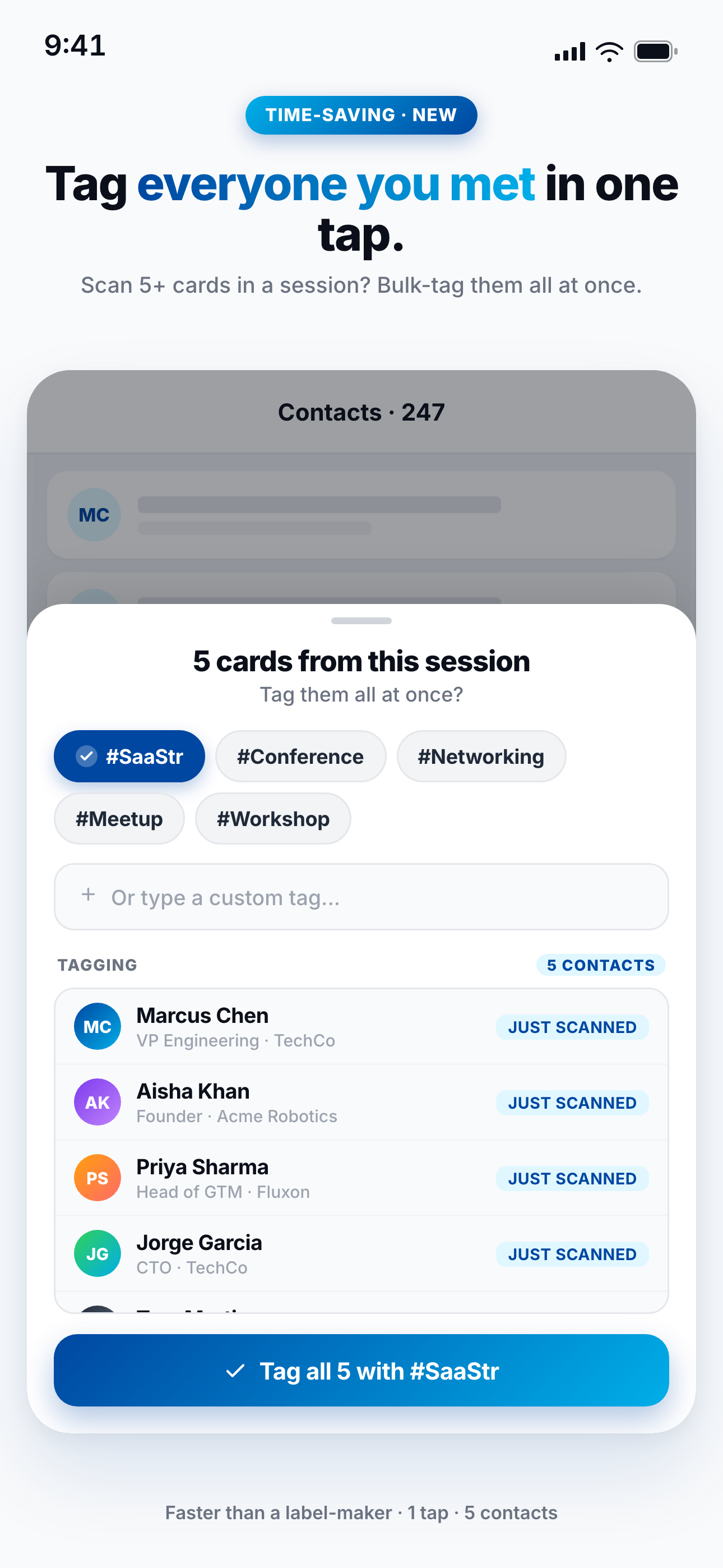
Why keeping the image matters
- ✓You recognize people by their card — colors, logo, layout — not just a row of text.
- ✓Verify the details against the source — if an email or title looks off, the original card is right there to check.
- ✓Nothing is lost — handwritten notes on the card, a tagline, a second phone number — the image preserves everything the OCR might not capture.
Run your scanned contacts from ChatGPT & Claude
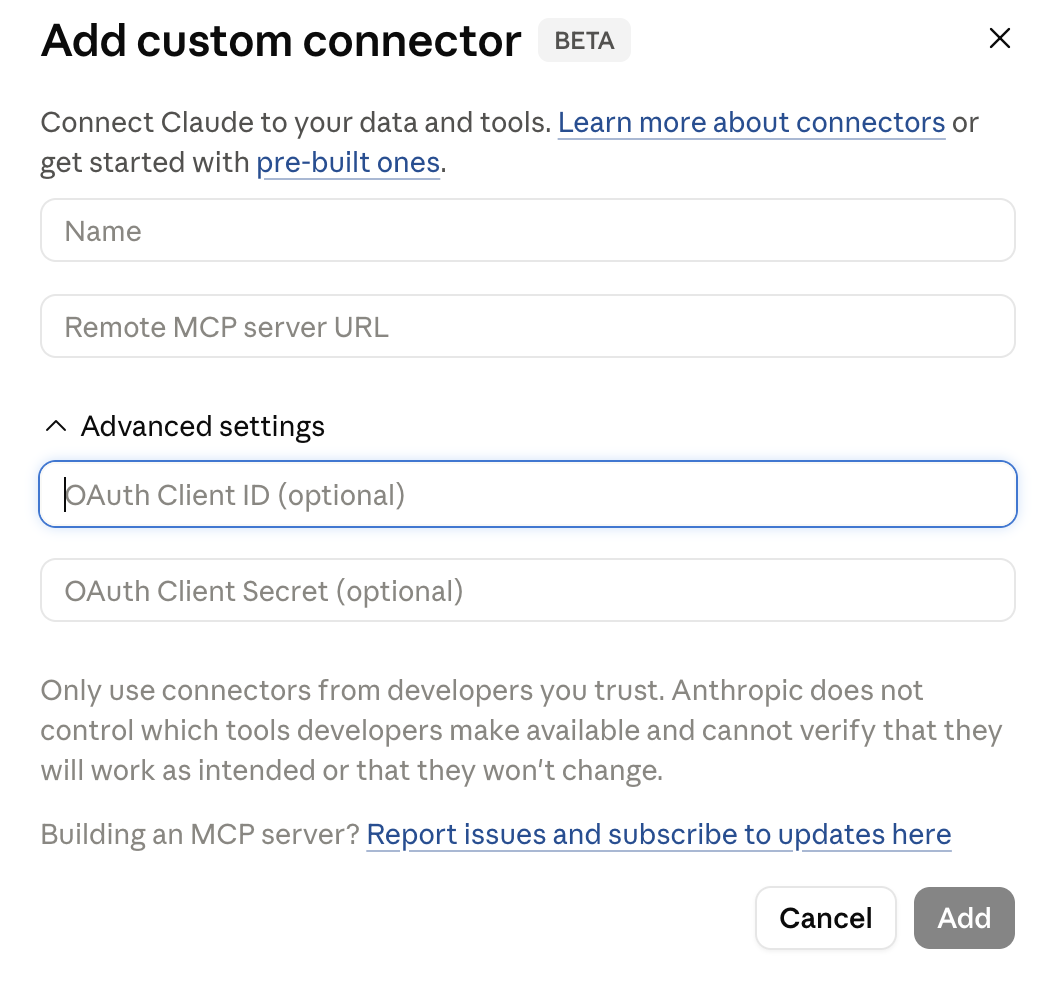
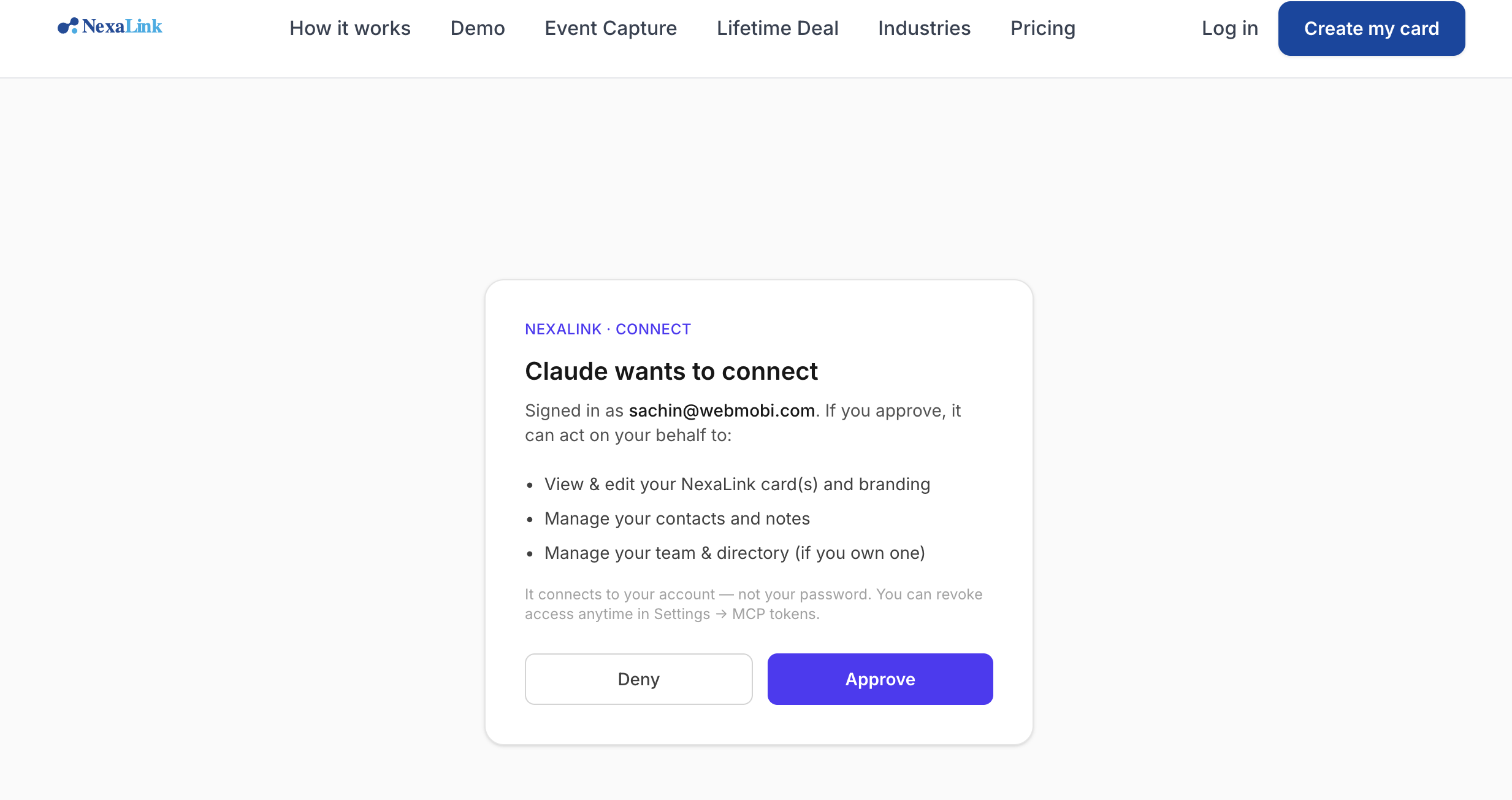
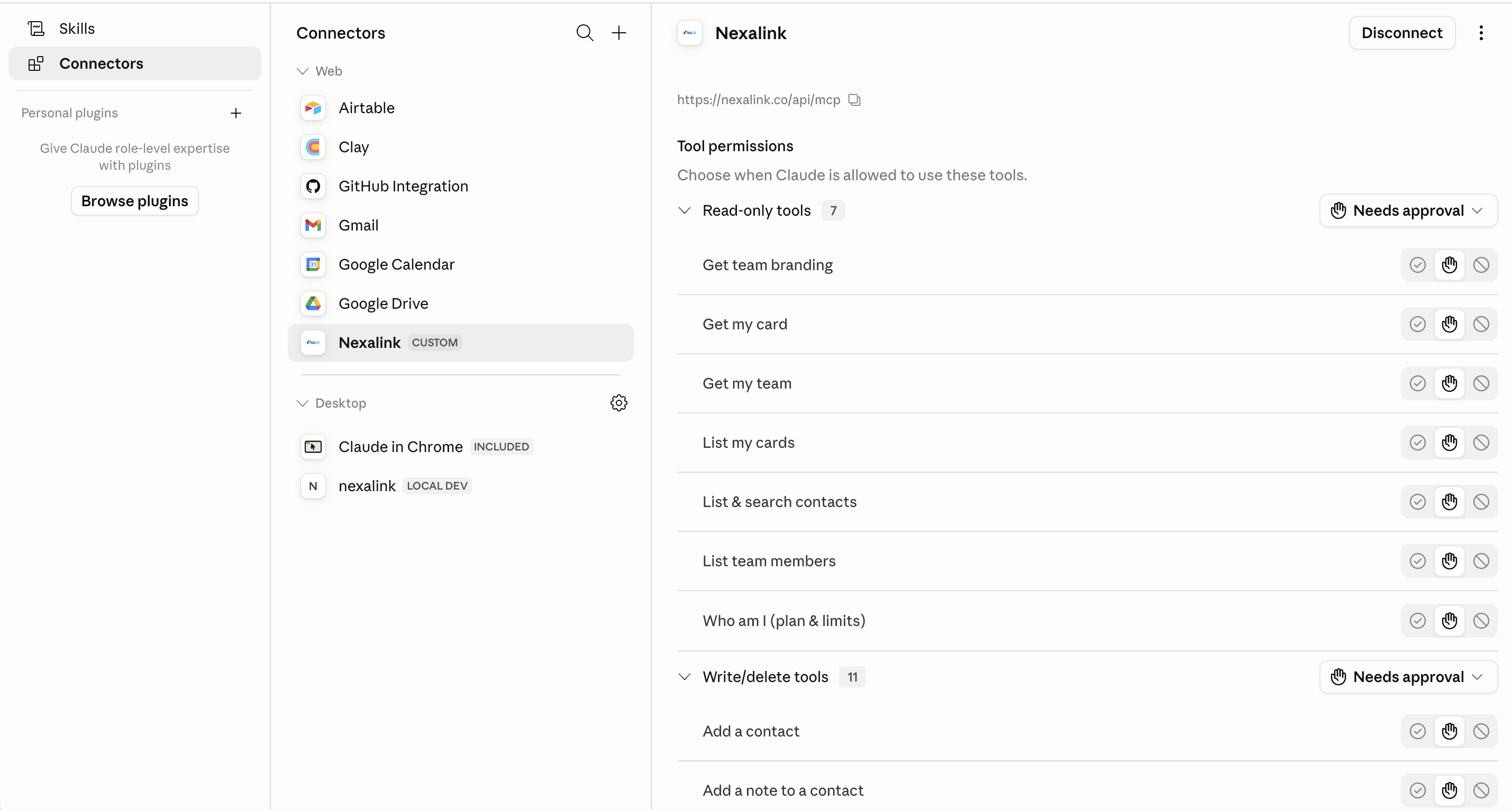
This is the part no other scanner does. Every card you scan lands in your NexaLink CRM — and that CRM connects to ChatGPT or Claude through the NexaLink MCP connector. So after an event, you don't open a spreadsheet — you just ask your AI assistant. It runs on your own AI subscription, so there are no credits to run out.

Try asking your assistant:
Connecting takes a minute (one-click, no token):
Switching from CamCard?
NexaLink gives you everything you like about CamCard's card-image view — and closes the loop after the scan. Every contact carries the card image plus AI follow-up drafts, follow-up reminders, a personal CRM, and ChatGPT/Claude access. And you can export to CSV or vCard anytime, so your data is always yours.
CamCard vs NexaLink — features & pricing
| Feature | CamCard | NexaLink |
|---|---|---|
| Saves & shows the original card image | Yes | Yes |
| AI OCR scanning | Yes (users report inconsistent accuracy) | Yes |
| Personal CRM + follow-up reminders | Limited | Yes |
| AI follow-up drafts | — | Yes |
| Run from ChatGPT / Claude (MCP) | — | Yes — only NexaLink |
| Digital business card (NFC / QR) | Yes (separate product) | Yes — same app |
| CSV / vCard export | Yes | Yes |
| CRM sync (HubSpot / Salesforce / Zoho) | Yes | Rolling out |
| Free plan | ~100 scans | Free tier to get started |
| Pro | — | $1.99/mo · $14.99/yr |
| Premium (unlimited scans) | $21–25 / user / mo (10-user min) | $2.99/mo · $24.99/yr |
| Cost per user / year | ~$252–300 | $24.99 |
| Pricing transparency | Sales call required | Self-serve, on the site |
CamCard pricing per public listings (CamCard Business ~$21–25/user/mo, 10-user minimum; see this 2026 breakdown). Figures may change — check CamCard for current pricing.
Get started in two minutes
- 1. Download NexaLink Scanner (iOS & Android) and sign in — free to start.
- 2. Scan your first card — you'll see the captured card image immediately.
- 3. Open the contact — the card image is saved on the detail screen, ready whenever you look them up.
Prefer to pay once? NexaLink Card has a lifetime deal — Scanner stays subscription so the AI scanning keeps improving.
Frequently asked questions
›Does NexaLink Scanner save the actual business card image?
Yes. When you scan a card, NexaLink saves the original card image (not just the typed-out text). The image is stored with the contact and shown on the contact's detail screen whenever you look them up — the same behavior CamCard users rely on.
›Where do I see the card image after scanning?
Open the contact in the NexaLink Scanner app. The scanned business-card image appears on the contact's detail screen, right alongside the structured details (name, title, company, email, phone) and your notes.
›Can I run my scanned contacts from ChatGPT or Claude?
Yes — and only NexaLink does this. Every card you scan lands in your NexaLink CRM, which connects to ChatGPT or Claude via the MCP connector. You can ask your AI assistant to add the people you met, draft follow-ups, or pull up everyone you scanned at an event — running on your own AI subscription, so there are no credits to run out.
›I'm switching from CamCard — will it feel familiar?
Yes. You keep the visual card you're used to in CamCard, plus clean, searchable structured fields, AI follow-up drafts, and the ability to run your contacts from ChatGPT or Claude. You can also export everything to CSV or vCard at any time, so your data is always yours.
›How much does NexaLink Scanner cost compared to CamCard?
NexaLink Scanner is subscription-based with a free tier to start: Pro is $1.99/mo or $14.99/yr, and Premium (unlimited scans) is $2.99/mo or $24.99/yr — transparent, self-serve pricing. CamCard Business runs about $21-25 per user per month with a 10-user minimum and no published annual discount, so NexaLink Scanner Premium is roughly $25 per year versus CamCard's ~$250-300 per user per year. (NexaLink Scanner is subscription-only because it runs AI on every scan; the separate NexaLink Card app offers a one-time lifetime deal.)
Related: Scanning guide · Contact management · CamCard alternative · Best business-card scanner apps